SuperStar GFRIEND2.12.4
Publisher Description

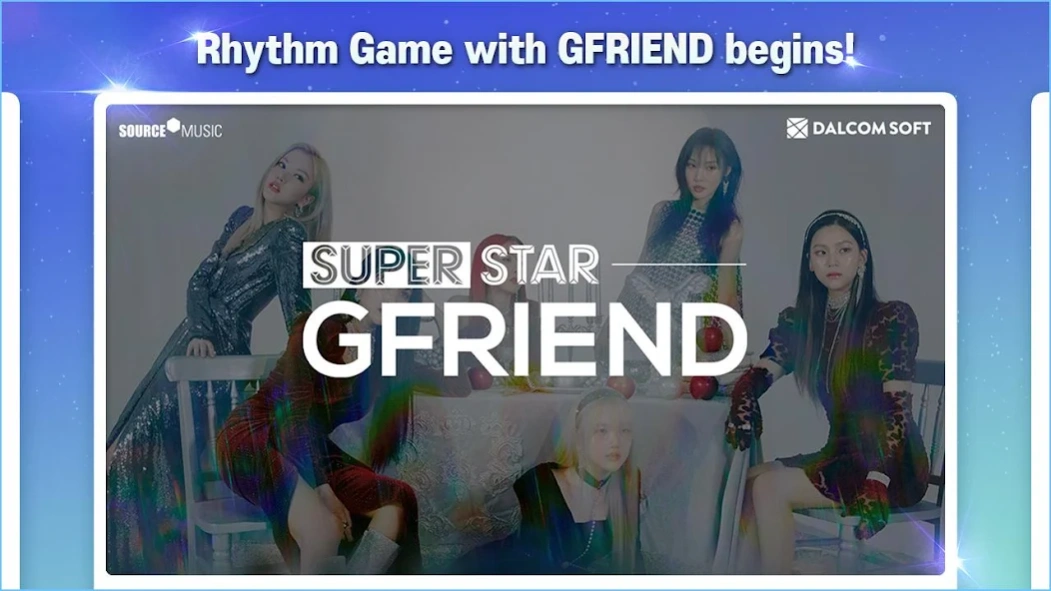


GFRIEND's 10th Anniv. Party
"Time to REPLAY SUPERSTAR GFRIEND
To celebrate GFRIEND's 10th Anniversary, a special Party for Buddy is now open!
Play GFRIEND's songs in a rhythm game!
• From their debut track to their most beloved hits.
• Enjoy the experience with fans from all over the world.
Collect special moments of your favorite artists!
• Artist theme cards capture their brightest moments!
• Collect unique photo cards with one-of-a-kind designs.
=====
[Access Permission Information]
When using the app, access to the following services is requested.
[Required Access Permission]
- Photo/Video/File: To save game progress on your device.
- Music and Audio: Needed for storing settings and caching music data.
- Phone: Used for ad tracking and push notifications.
[Optional Access Permission]
- Notifications: Required to receive informational and promotional push notifications from the game.
※ You can use the app without agreeing to optional permissions.
※ Without optional permissions, some features may not function properly.
[How to Withdraw Permissions]
- Go to Settings > Select the app > Revoke permission.
※ If notes are not coming down smoothly during gameplay, please check ""Low"" in the [Settings] under the [Display Settings] option.
=====
[Developer Information]
support.ssg@dalcomsoft.com
35, Seolleung-ro 93-gil, Gangnam-gu, Seoul, Republic of Korea, 06151
[More information about SuperStar GFRIEND]
Official X: @SuperStarGFRD"
About SuperStar GFRIEND
The company that develops SuperStar GFRIEND is Dalcomsoft, Inc.. The latest version released by its developer is 2.12.4. This app was rated by 5 users of our site and has an average rating of 2.4.
To install SuperStar GFRIEND on your Android device, just click the green Continue To App button above to start the installation process. The app is listed on our website since 2024-12-18 and was downloaded 385 times. We have already checked if the download link is safe, however for your own protection we recommend that you scan the downloaded app with your antivirus. Your antivirus may detect the SuperStar GFRIEND as malware as malware if the download link to com.dalcomsoft.ssg is broken.
How to install SuperStar GFRIEND on your Android device:
- Click on the Continue To App button on our website. This will redirect you to Google Play.
- Once the SuperStar GFRIEND is shown in the Google Play listing of your Android device, you can start its download and installation. Tap on the Install button located below the search bar and to the right of the app icon.
- A pop-up window with the permissions required by SuperStar GFRIEND will be shown. Click on Accept to continue the process.
- SuperStar GFRIEND will be downloaded onto your device, displaying a progress. Once the download completes, the installation will start and you'll get a notification after the installation is finished.
Program Details
System requirements
Download information
Pricing
Version History
version 2.12.4
posted on 2024-12-18
SUPERSTAR GFRIEND, Reopening!
version 2.12.3
posted on 2021-09-14
* Minor bug fix
version 2.12.3
posted on 2021-09-13
version 2.12.2
posted on 2021-05-04
* Minor Bugs Fix
version 2.12.0
posted on 2020-09-14
* Note size display options added
* World Record system changed
- Now displays TOP 100
- Tiered rewards
* All Themes Collection reward changed
version 1.11.8
posted on 2020-06-15
* SuperStar GFRIEND released!
